Grounding in document extraction
Jamie Lemon·May 12, 2026
Why grounding model output back to source evidence is the most important concept you’ve never heard of in document AI
Imagine hiring a team of analysts to read through ten thousand contracts and extract every key date, name, and obligation, and hand you a clean spreadsheet of the data. Now imagine you have no way of verifying whether any of it is correct. You cannot check a random sample. You have no original to compare against. You simply trust the output, feed it into your systems, and move on.
This is how most organisations are deploying AI for document extraction today — and it is a quieter crisis than the industry acknowledges.
The concept that changes everything is called grounding.
What is grounding?
Grounding is about connecting output back to source evidence. This means ensuring that every extracted claim is traceable to a specific, verifiable location in the source document. In document data extraction, it is the practice of anchoring what a model says back to what a document actually contains — not what seems plausible given the context, but what is factually, verifiably present in the source.
In machine learning more broadly, grounding refers to connecting a model’s outputs to verifiable evidence. A model is shown an input, it makes a prediction, and that prediction must be traceable back to the source data. Without grounding, there is no way to audit or verify the output. The concept draws on the older idea of ground truth from surveying and cartography — measurements taken on the actual terrain.
Grounding & “Ground Truth”
Ground Truth is the definitive, human-verified answer for a given piece of information. In document data extraction, it is the authoritative record of what a document says — not what seems plausible given the context, but what is factually, verifiably correct.
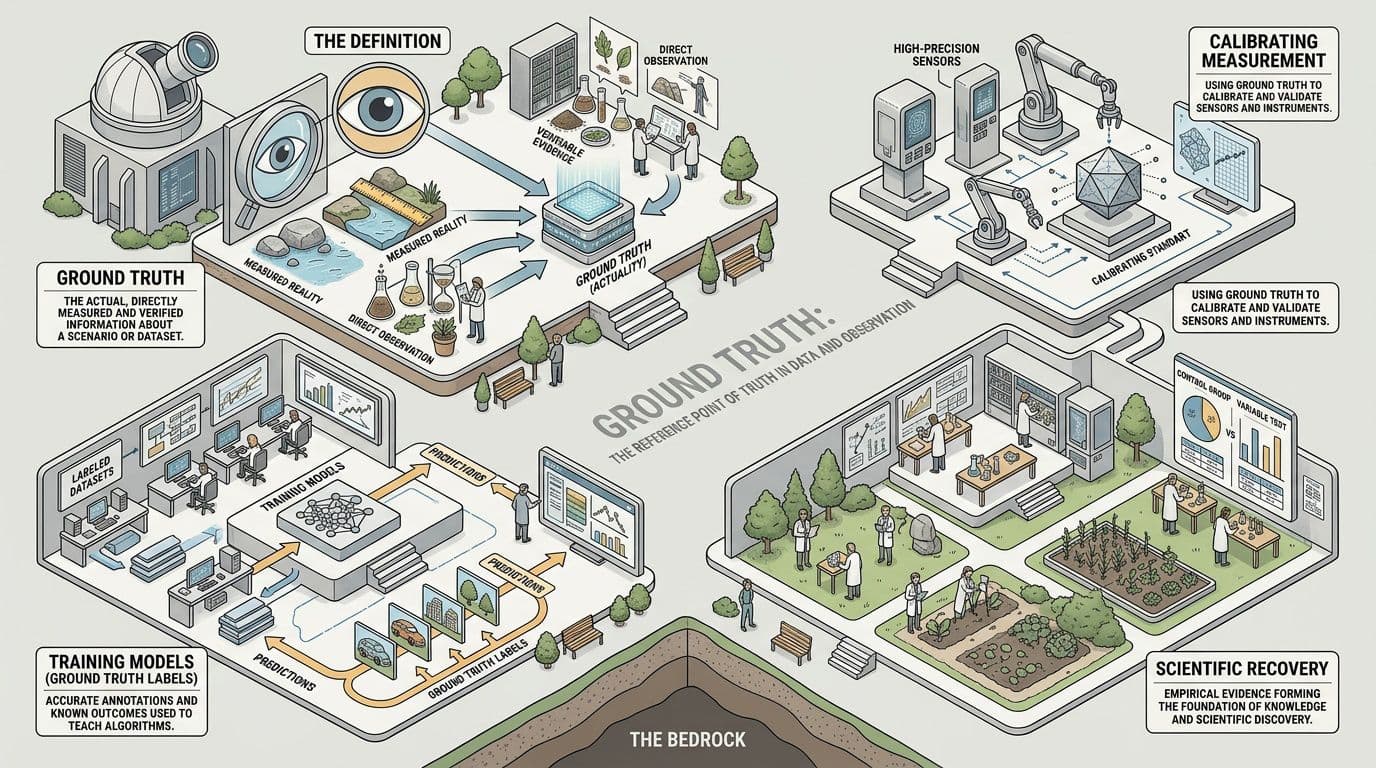
Attribute: https://flipbook.page “What is Ground Truth?”
So being able to ground your source should then open a path to “Ground Truth”. Think of it as a validation step to help verify a given cited answer.
Why document extraction is uniquely hard
Extracting structured data from unstructured documents is one of the oldest problems in enterprise software. For decades, it was attempted through rules: if a string that looks like a date appears within twenty pixels of the word "Date" then extract it. These systems were brittle — one layout change, one unusual font, one scanned page at an angle, and the rule broke.
AI transformed this picture. Modern extraction systems can read a document much as a human would: understanding context, inferring meaning, tolerating variation. The accuracy ceiling lifted dramatically.
But a higher ceiling is not the same as a guarantee. And the more powerful the model, the more confident it sounds when it is wrong.
Documents are adversarial in ways that structured data is not. They contain ambiguity, contradictions, amendments, handwritten annotations, tables that span pages, clauses that reference other clauses. A model might extract a number with great confidence and be extracting the wrong number — a subtotal rather than a total, a previous version rather than the current one, a figure in thousands rather than in units.
Without grounding — the ability to see how and where the data is sourced, you cannot know.
Grounding and PyMuPDF
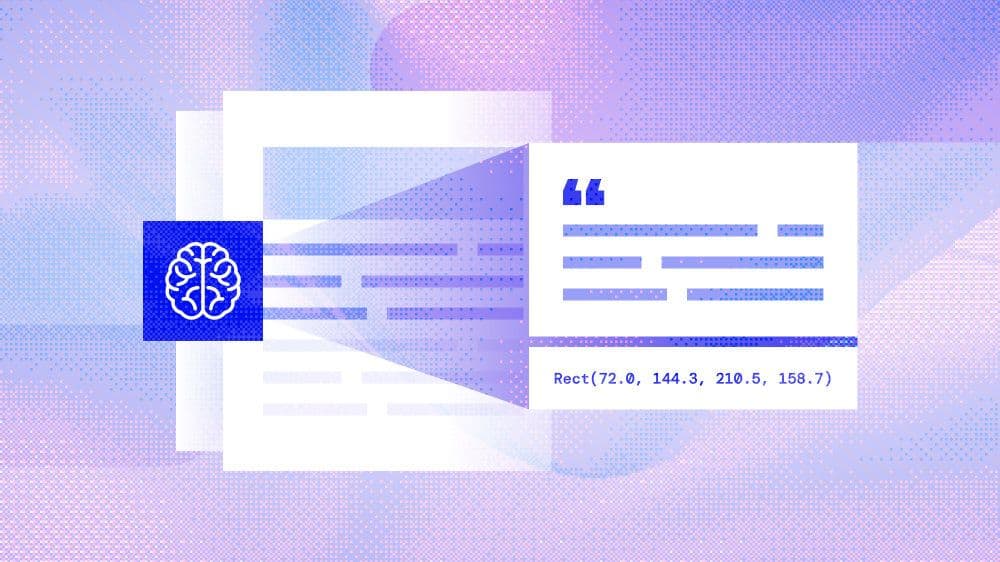
As discussed, grounding means connecting model output back to source evidence — ensuring that every claim a model makes is anchored to a verifiable location in the source document. The problem with LLM-based document processing is that language models work in token space: they see text, produce text, and have no native awareness of spatial structure. For many document tasks that’s fine, but for a whole class of important applications it introduces a fundamental ambiguity: where on the page did this come from? PyMuPDF can answer this question with its search_for method and becomes the bridge which closes the gap between reading a model’s output and seeing where it has sourced it from.
Page.search_for(needle, quads=False, flags=..., clip=None) searches a PDF page for occurrences of a text string and returns a list of bounding rectangles (or quadrilaterals, if quads=True) — each one precisely locating where that text physically lives on the page. The coordinates are in the PDF's native point-based space, anchored to the unrotated page, and are exact: they come directly from the PDF's internal character-level geometry, not from OCR guesswork.
import pymupdf
doc = pymupdf.open("contract.pdf")
page = doc[0]
# Returns a list of Rect objects, one per match
rects = page.search_for("Governing Law")Why spatial coordinates are the foundation of grounding for documents
A PDF's coordinate system is deterministic. Unlike OCR (which estimates character position) or visual rendering (which may scale or reflow), the text positions encoded in a PDF are the source of record — they are what the authoring tool placed there. When PyMuPDF's search_for returns Rect(72.0, 144.3, 210.5, 158.7), that is not an approximation: it is the exact bounding box of that string in unrotated page space.
This matters enormously in LLM workflows for several reasons:
1. Citation and traceability
An LLM might extract a clause, a figure, a number. But "page 4, paragraph 3" is fuzzy — it depends on how you count and how the page renders. A bounding box is unambiguous. You can pass the rect back to PyMuPDF, crop the region from a pixmap, and show a user the precise highlighted zone in the source document. This is the difference between "the model says the penalty clause is on page 4" and showing the user the actual highlighted words.
2. RAG chunk validation
In retrieval-augmented generation pipelines, chunks of text are embedded and retrieved. A common failure mode is that the retrieved text is correct in isolation but the model misattributes it — placing a clause from Section 5 in the context of Section 2. If you store the bounding rect alongside each chunk at index time, you can programmatically verify that the model's output maps back to the expected page region. The rect becomes a checksum for spatial correctness.
3. Structured extraction with spatial constraints
Consider extracting values from a financial statement, a form, or a table where the same word ("Total") might appear many times. search_for lets you enumerate all occurrences and then apply spatial logic — "which occurrence of 'Total' appears in the bottom row of this particular table?" — with coordinate arithmetic rather than fragile regex or prompt engineering. You can intersect the returned rects against known table bounding boxes retrieved from page.find_tables().
4. Annotation as a feedback loop
The docs show a canonical pattern: search for a string, pass the returned quads directly into page.add_highlight_annot(). This is powerful in human-in-the-loop LLM review workflows. An LLM identifies clauses of interest; search_for locates them; the system highlights them in the PDF; a human reviewer sees the exact provenance. The highlight is ground-truth-anchored: it cannot drift or hallucinate position the way a plain text reference can.
# LLM identifies "indemnification" as a key clause
# We locate and highlight all occurrences with exact geometry
quads = page.search_for("indemnification", quads=True)
page.add_highlight_annot(quads)
In this way you can easily mark up your document with what the LLM might be sourcing and then in a later pipeline verify this grounding against the actual source evidence.
5. Cross-modal grounding
When you render a page to a pixmap and pass it to a vision-capable LLM, the model sees pixels. search_for lets you translate back from pixel-space into semantic text — and vice versa. If a vision model identifies a region of interest, you can search within a clipped rect (clip parameter) to recover the exact text. If the model produces text, you can confirm its physical location. This bidirectional grounding is what makes hybrid text+vision document pipelines trustworthy.
——
The quad detail is not a footnote
It's worth dwelling on the quads=True option. A Rect has four numbers: (x0, y0, x1, y1). A Quad has four points: upper-left, upper-right, lower-right, lower-left. For horizontal text these are equivalent. But PDFs regularly contain rotated headings, watermarks, table headers at arbitrary angles, and multi-column layouts where lines are not axis-aligned. In these cases, a bounding rectangle over-approximates: it includes whitespace that isn't part of the match. The quad is tighter and geometrically honest.
For LLM context construction this matters because if you use rects to crop page images for a vision model, over-approximate bounding boxes introduce noise — neighbouring text leaks into the crop. Quads give you the tightest possible visual context window around the matched text.
——
A practical pattern: coordinate-anchored LLM context
Here is how these ideas combine:
import pymupdf
import json
doc = pymupdf.open("annual_report.pdf")
# Build a corpus with spatial metadata at index time
chunks = []
for page_num, page in enumerate(doc):
    blocks = page.get_text("blocks")  # (x0,y0,x1,y1, text, ...)
    for block in blocks:
        text = block[4].strip()
        if not text:
            continue
        rect = pymupdf.Rect(block[:4])
        chunks.append({
            "page": page_num,
            "text": text,
            "bbox": list(rect),  # ground truth spatial anchor
        })

# At query time: LLM produces an answer referencing "net revenue declined"
# Verify by locating the claim spatially
page = doc[3]
hits = page.search_for("net revenue declined")
if hits:
    # We can confirm the LLM's claim maps to a real location
    # and highlight it for the user
page.add_highlight_annot(hits)The bounding box stored at index time becomes an auditable record: not just "what did the LLM say" but "exactly where in the source document is this claim anchored." That is grounding in the most practical sense of the term.
Summary
Page.search_for is deceptively simple — it looks like a text search utility. But its real power is that it performs a translation from semantic space into geometric space, and that translation is lossless and authoritative. In LLM document workflows where hallucination and misattribution are live risks, having a method that can unambiguously pin any piece of text to exact page coordinates is the foundation of an auditable, verifiable pipeline. Grounding isn’t the LLM’s output — it’s the connection back to the PDF’s geometry, and search_for is how you access it.
Discuss This Article with the Community
Have a question, a different approach, or something you built after reading this? Share it on the forum or join the Discord, we'd love to hear from you.

